Monitor Backlinks: What to Check, How Often and What to Do When Links Drop
How to monitor backlinks you own or bought: what to check, how often, a free Search Console and spreadsheet routine, paid tools, and what to do when a link drops.
· · 11 min read
A link you paid for in March can be gone by June, and nobody will tell you. The publisher redesigns, an editor prunes old posts, the site changes hands, or someone adds rel="sponsored" during a cleanup. The invoice stays paid. The link quietly stops working.
That is why I tell every client to monitor backlinks they already own, especially the ones they bought. This guide covers what to check on each link, how often, how to do it for free with Google Search Console and a spreadsheet, which paid tools are worth it, and what to do when a paid link drops.
Short answer: To monitor backlinks, keep a list of every placement URL and check each one on a schedule for six things: the page still loads, your link is still on it, the link attribute hasn't changed, the page isn't noindexed, it hasn't been redirected, and the anchor and target are what you agreed. Check paid links monthly, and use Google Search Console plus free checkers before paying for a tool.
Why do links you already have go missing?
Backlinks live on websites you don't control. Every one of them can change without notice, and most changes are not malicious. They are redesigns, CMS migrations, content pruning, domain sales and SEO cleanups.
The common failure modes I see:
- Page removal. The article is deleted or unpublished and the URL returns a 404. The link is gone with it.
- Link removal. The page is still live, but an editor rewrote the paragraph and your link didn't survive.
- Attribute change. A followed link becomes nofollow, sponsored or ugc.
- Noindex. The linking page gets a noindex tag, so it falls out of Google.
- Redirects. The linking page is redirected to a new URL that may not carry your link, or your own target page gets redirected.
- Anchor or target change. Your anchor text is reworded or the link now points at your homepage instead of the page you paid to support.
None of these sends you an email. Monitoring is how you find out while the publisher still remembers the deal.
What should you check when monitoring backlinks?
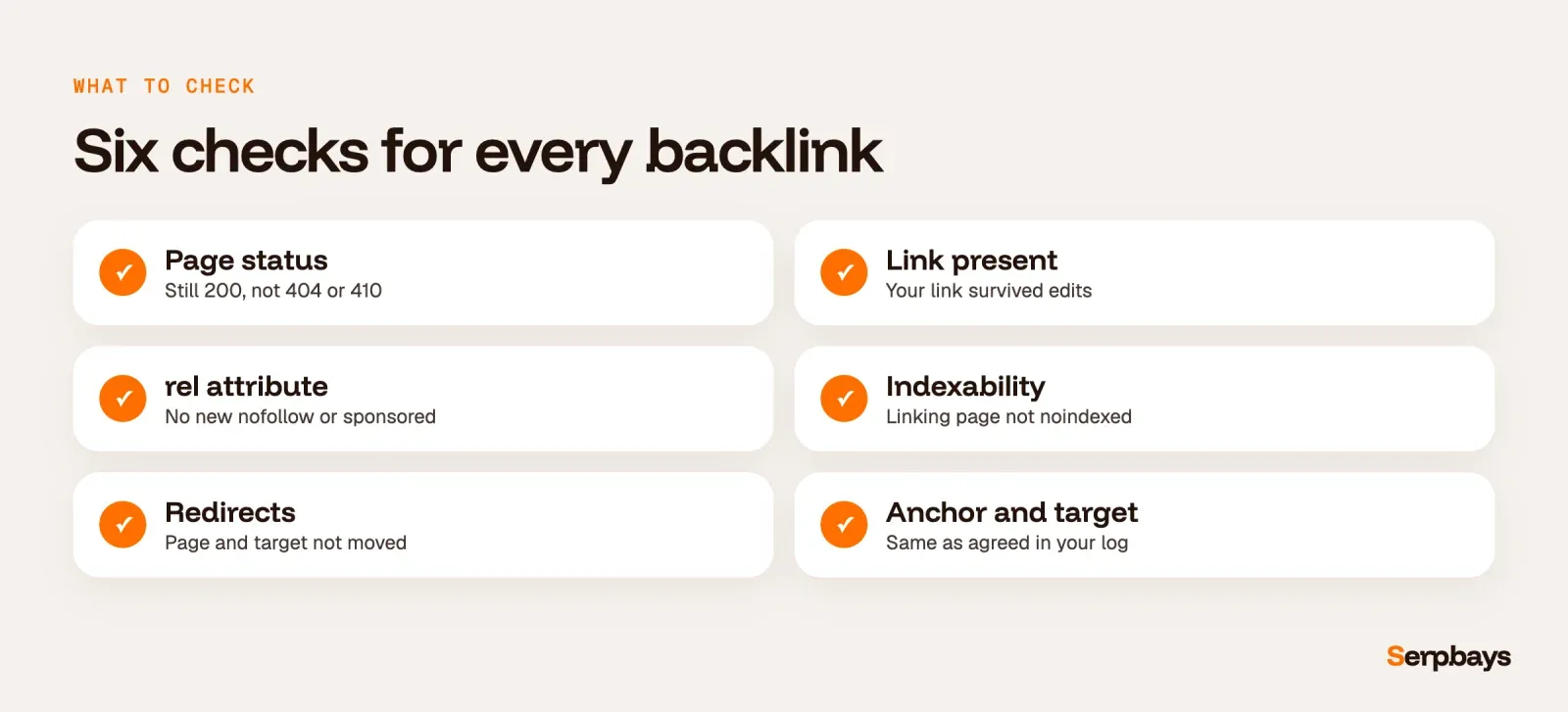
A raw count of referring domains is a weak signal. It moves for reasons that don't matter. Check each important link for these six things instead, plus the health of the site it sits on.
| Check | What goes wrong | Free way to check |
|---|---|---|
| Page status | Page returns 404 or 410 | Open it, or run the URL through a status checker |
| Link present | Link edited out of the copy | View source and search for your domain |
| rel attribute | dofollow changed to nofollow or sponsored | View source, or Ahrefs Free link type data |
| Indexability | Linking page set to noindex | Serpbays bulk noindex checker |
| Redirects | Linking page or your target redirected | Serpbays redirect checker |
| Anchor and target | Anchor reworded or URL changed | View source, compare with your log |
| Site health | Linking domain loses authority | Serpbays bulk DR checker |
Two of these need context from Google's own documentation.
On noindex, Google's block indexing guide says that when Googlebot finds the tag, "Google will drop that page entirely from Google Search results, regardless of whether other sites link to it." Google doesn't spell out in that guide how it treats outbound links on such a page. In my reporting, a link on a noindexed page counts as a problem to raise with the publisher.
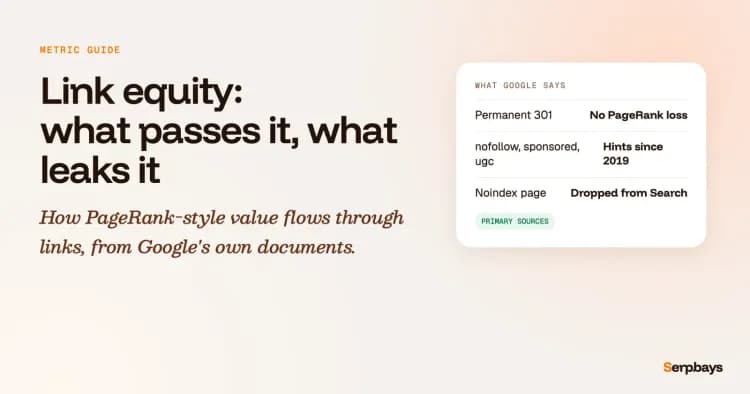
On redirects, Google's site move documentation says "301 and other permanent redirects don't cause a loss in PageRank." So if your own target page moves with a 301, the link (and the link equity it passes) is usually fine. If the linking page redirects somewhere else, check that your link exists on the new page.
Watch the anchor too. If edits push your exact-match anchors up, your ratios drift. Our guide to anchor text distribution covers what a normal spread looks like.
How often should you check your backlinks?
Match the schedule to what the link cost you. Here is the cadence I use. It is my opinion, not a Google rule:
- Week one after a link goes live: check it twice. In my experience, edits and attribute changes are most likely in the first days, while the editor is still working on the page.
- Paid links and links you negotiated: monthly. These are assets with an invoice and, often, a written term.
- Earned links and the long tail: quarterly, through Search Console. You can't chase every forum mention, and you don't need to.
Monthly is the floor for paid placements. If a replacement window is 6 or 12 months, a quarterly check can easily spot a removal after the window has closed.
How to monitor backlinks for free
You can do most backlink management for free if you keep one good spreadsheet. The paid tools automate the checking. They don't replace the log.
Start with the Google Search Console Links report. It shows your top linked pages, top linking sites and top linking text. Know its limits, in Google's own words.
"This report isn't a comprehensive list of every link on your site." Links listed there "may have since been removed, or a page may no longer exist," and "the report doesn't specify if a link is marked as nofollow." Tables are limited to 1,000 rows, and exports are capped at 100,000 rows.
So Search Console tells you who links to you. It doesn't prove a specific paid link is still live and followed today. For that, you check the placement URLs yourself.
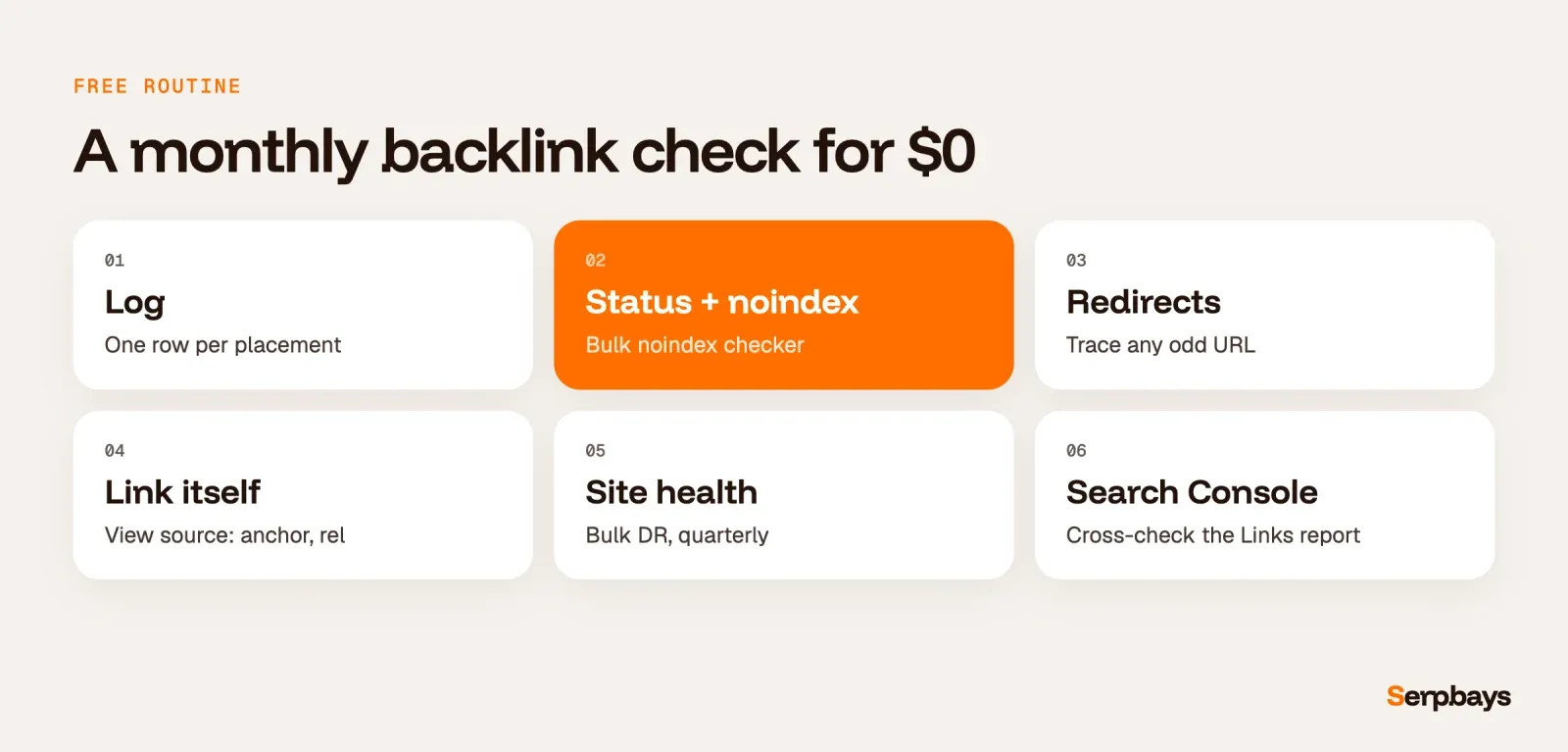
The free routine I recommend:
- Log every link. One row per placement: placement URL, target URL, anchor, agreed rel attribute, price, live date, seller, agreed term, and a "last checked" date.
- Check page status and indexability. Paste the placement URLs into the bulk noindex checker. It reads meta robots, the X-Robots-Tag header, robots.txt and canonical tags for up to 100 URLs at once.
- Check redirects. Run any URL that looks off through the redirect checker to see each 301 or 302 hop.
- Check the link itself. Open the page source, search for your domain, and confirm the anchor, target URL and rel value match your log.
- Re-check the linking site. Once a quarter, run the linking domains through the bulk DR checker (20 domains at a time) to catch sites that have collapsed.
- Cross-check Search Console. Look for new linking sites you didn't build and for paid placements that are missing from the report.
Ahrefs also has a free tier. Its Ahrefs Webmaster Tools page (now branded Ahrefs Free) says verified site owners can see up to 1,000 backlinks at once, with link type data for nofollow, UGC and sponsored. That fills the attribute gap Search Console leaves. All our free checkers are listed on the Serpbays tools page.
Which SEO backlink monitor tools are worth paying for?
Pay for a tool when the manual routine takes more than an hour a month, or when you manage links for clients. Here is what three options say on their own pages, checked in November 2026:
- Linkody is a dedicated backlink monitor. Its plans page says it "checks your links and updates their status every 24h." The Webmaster plan is $14.90 a month (or $11.20 a month billed annually) for 2 websites and 500 monitored links, with a 30-day free trial. Its homepage says it alerts you when a backlink points to a broken 404 page.
- SE Ranking has a backlink monitoring tool that checks if your link is still found, if the linking page "drops out of the Google index", dofollow, nofollow, UGC and sponsored changes, and the anchor. It emails you when something changes. The Core plan is $129 a month, or $103.20 a month billed annually, and there is a 14-day free trial.
- Ahrefs Alerts notify you when a site gains or loses backlinks, per the Alerts page. That page sends you to paid plans. It suits a profile-level view more than checking specific paid placements.
My take: for under 500 bought links, a cheap dedicated monitor plus your spreadsheet beats an all-in-one suite. For a wider look at which tools do which job, see our guide to link building tools.
What should you do when a paid link drops?
This is where most backlink management falls apart. People spot lost backlinks, send one annoyed email, and give up. Work through it in order instead.
1. Confirm it's really gone. Check the page in a private window and view the source. Some sites lazy-load content or show different versions to logged-in users. Screenshot what you find, with the date.
2. Find the cause. A 404 usually means the post was deleted or the URL changed during a redesign. A redirect means the content may have moved. A new rel="sponsored" may be the publisher following Google's rules.
Google's spam policies list "buying or selling links for ranking purposes" as link spam, and say such links are not a violation when qualified with nofollow or sponsored. Google's guide to qualifying outbound links says to mark paid placements with sponsored. If that's what happened, the dispute is commercial, not technical, so go back to what you agreed in writing.
3. Ask the publisher first. Be specific: the URL, the date it went live, the date you noticed the change, what you agreed. Many removals are accidents from a migration and get restored in a day.
4. Use the written terms. A replacement promise only helps if it's written down before you pay.
A fair remedy has three options: restore the link, provide an equivalent replacement you approve, or refund. That is the structure in section 10.5 of the Serpbays terms for listings that promise a minimum live period.
Appendix A of the same terms describes an equivalent replacement as the same niche and language with similar DR and traffic, with your approval. Hold any seller to that standard. A replacement on a weaker, off-topic site is not a replacement.
5. Log the outcome. Record what was lost, why, and what you got back. After a year, that log tells you which sellers to buy from again.
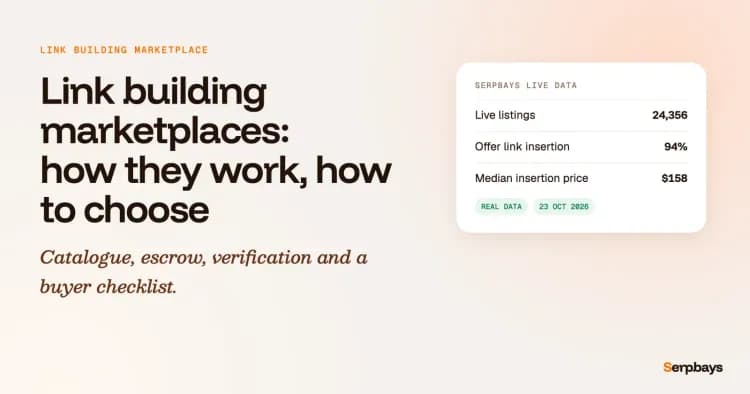
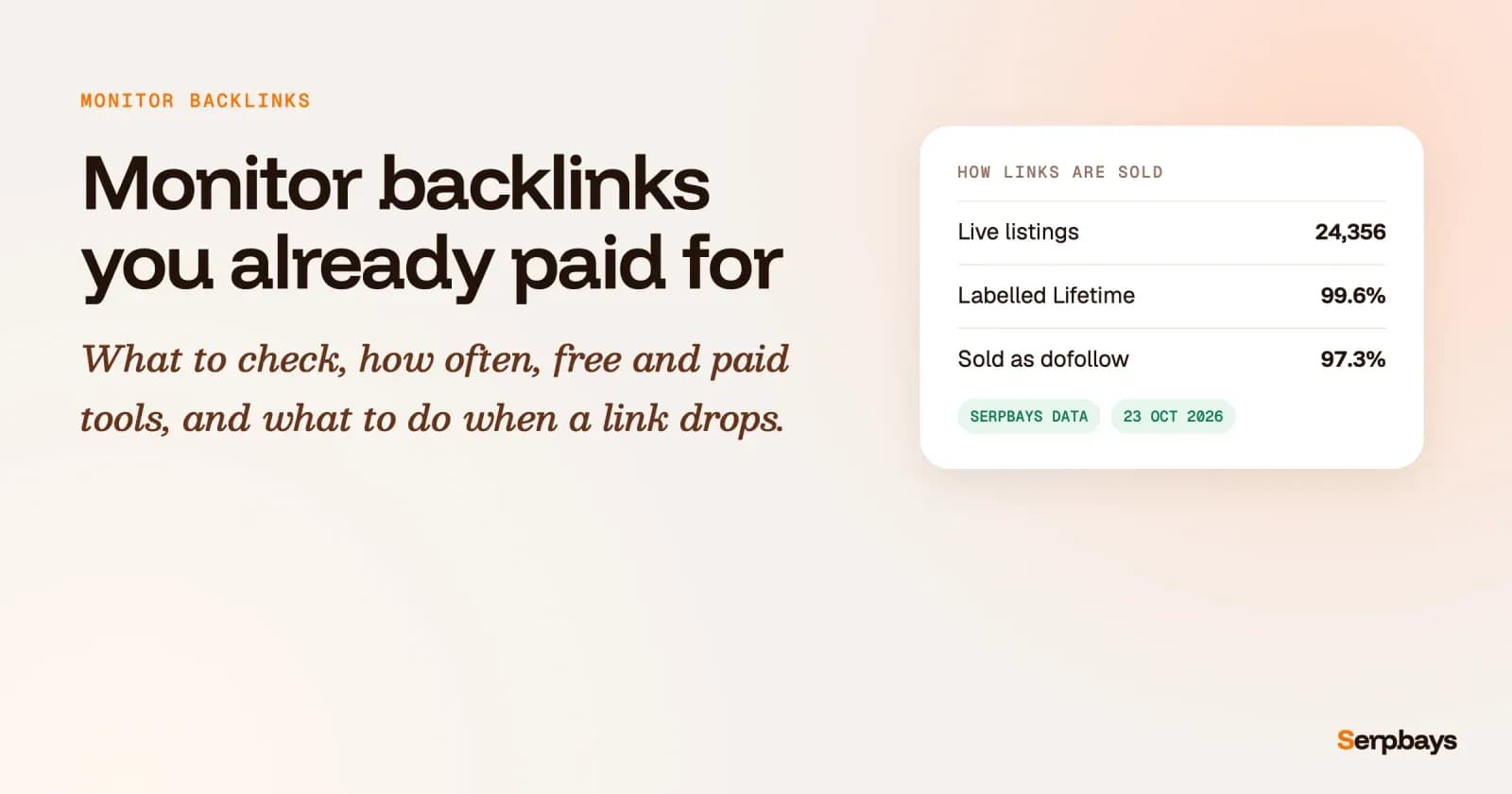
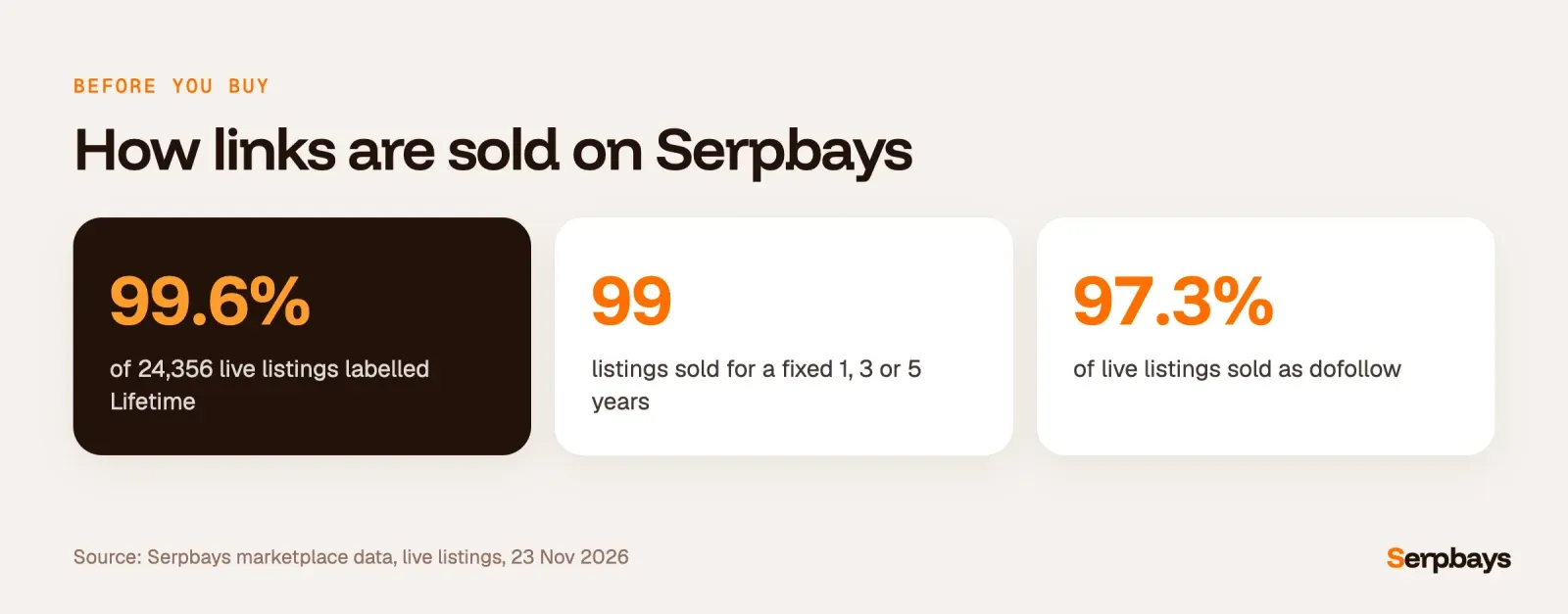
The term matters before you buy, too. On the Serpbays marketplace, 24,257 of 24,356 live listings (99.6%) are labelled "Lifetime" validity, and only 99 are sold for a fixed term of 1, 3 or 5 years (Serpbays data, 23 Nov 2026). 23,699 of them (97.3%) are sold as dofollow.
A label is a starting point, not proof. Monitor anyway, and know what remedy you can claim. If you buy niche edits, our guide to link insertion covers what to get in writing first.
Is monitoring backlinks the same as a backlink audit?
No. Monitoring backlinks is ongoing: you check links you already have, especially ones you paid for, to confirm they still work. An audit is a periodic review of your whole profile to judge quality and risk.
Monitoring feeds the audit. If your log shows a cluster of lost or downgraded links from one seller, that is something to dig into. For the full process, read our backlink audit guide. And if Search Console shows spammy domains you never built, read our take on toxic backlinks before you file a disavow.
FAQ
Can I monitor backlinks for free?
Yes. Google Search Console shows a sample of who links to you, Ahrefs Free shows up to 1,000 backlinks with link types for verified sites, and free checkers handle status, noindex and redirects. The part no free tool does for you is the log of what you paid for and agreed.
How do I know if a backlink was removed?
Open the placement URL, view the source and search for your domain. If the page returns a 404, redirects elsewhere or no longer contains your link, it has been removed. Don't rely on Search Console for this, since Google says its report can include links that have since been removed.
What happens if a publisher changes my link to nofollow?
The link stays on the page but is now qualified, which is what Google asks for on paid links. Check what you agreed. If the deal specified a followed link for a set period, ask the publisher to restore it, replace it or refund you under those terms.
Your next step
Open a spreadsheet today and list every link you have paid for in the last 12 months, with the placement URL and what you agreed. Then paste those URLs into the bulk noindex checker. It takes ten minutes, and any URL that comes back noindexed, redirected or broken goes straight on your follow-up list.
Vinayak Gupta is the founder of Serpbays and Wordscloud, with hands-on experience in SEO, content marketing, publisher outreach, and link building. He has worked with SEO agencies, SaaS companies, and digital brands to plan content strategies, evaluate backlink opportunities, and build authority through high-quality placements. At Serpbays, he focuses on making link building more transparent, reliable, and easier for agencies and businesses.
View profile →